
Resources
Get Started On Castro
The best time to start your Castro is today. Set up your publication, publish your first post, and give readers a reason to come back.
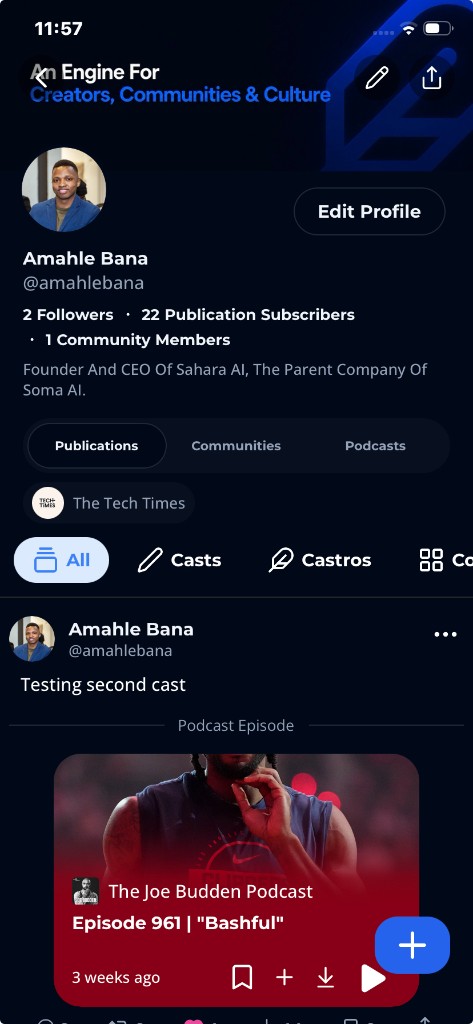
Let's Start By Creating A Profile
To get started on Castro, head to the sign-up page and create your profile. You'll choose a username, add your details, please complement the onboarding process in order to be able to continue, login if you already have an account.
Now Let's Create A Publication (Castro)
Create your Publication (Castro) by entering a publication name and a unique publication username, then choose publication categories—or add your own hashtag categories—during the selection step. Once those details are saved, your publication is created.
Subscribe To Premium+ In Order To Monetize Your Content
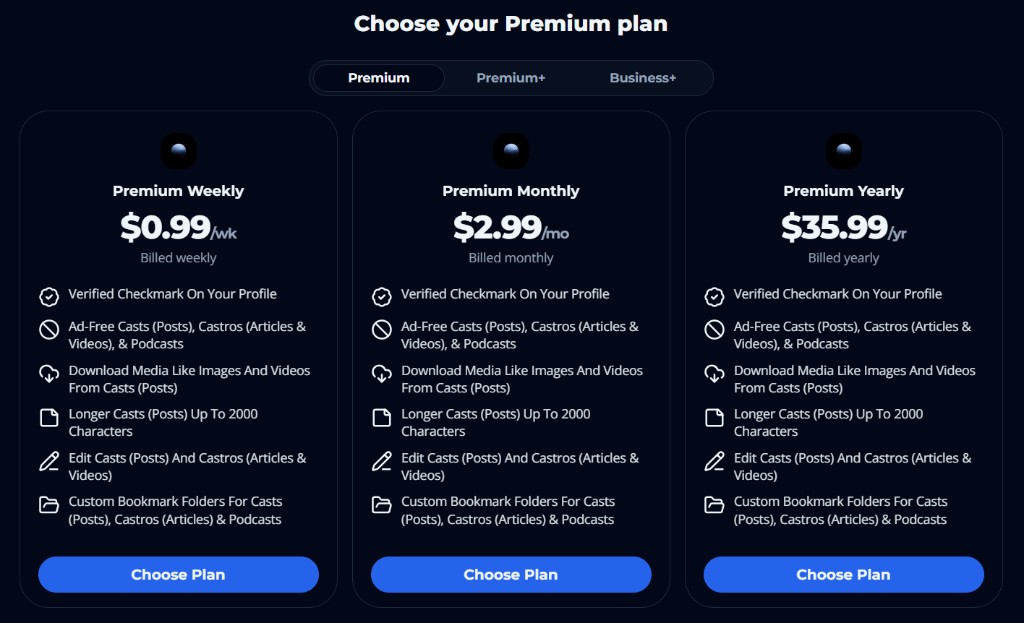
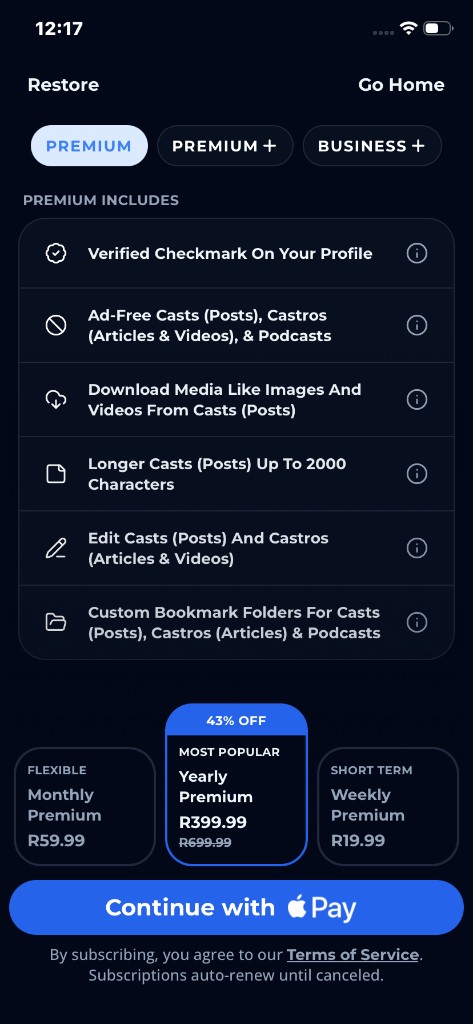
Premium+ unlocks creator monetization on Castro. Open the Premium page, switch to the Premium+ tab, and subscribe so you can Go Paid on your profile and publication, set subscription tiers, and publish paid exclusives for Posts (Casts) and Articles (Castros).
How To Monetize Your Posts (Casts) and Articles (Castros)
Monetize Posts (Casts) and Articles (Castros) with free content (earn through ads) and paywall exclusive content. Premium+ unlocks monetization; Go Paid on your profile connects Stripe for cast tiers, and Go Paid on your Publication (Castro) from the Dashboard connects Stripe for article tiers.
Customize Your Publication (Castro) & Profile Details
Customize your Publication (Castro) by adding a publication logo, description, and other details. You can also add edit your publication categories that you selected when creating your publication.
Announce Your Publication (Castro) To Users On The Platform
Announce your Publication (Castro) to users on the platform by sharing it on your social media profiles and inviting your followers to join. You can also share your publication on the Castro platform to get more followers and engagement.